1Password is a secure password manager that helps you store and manage your work-related login credentials in one place. Instead of remembering multiple complex passwords, you will access 1Password using your University Single Sign-On (SSO) account.
1Password is considered a best-in-class password manager and implements advanced security features to protect your credentials. These include strong encryption, secure sharing options, and multi-factor authentication support.
Executive Lead
Michael Khalfayan
Technical Lead
Michael Khalfayan
Support Team
ITS Information Security
About the Service:
Features
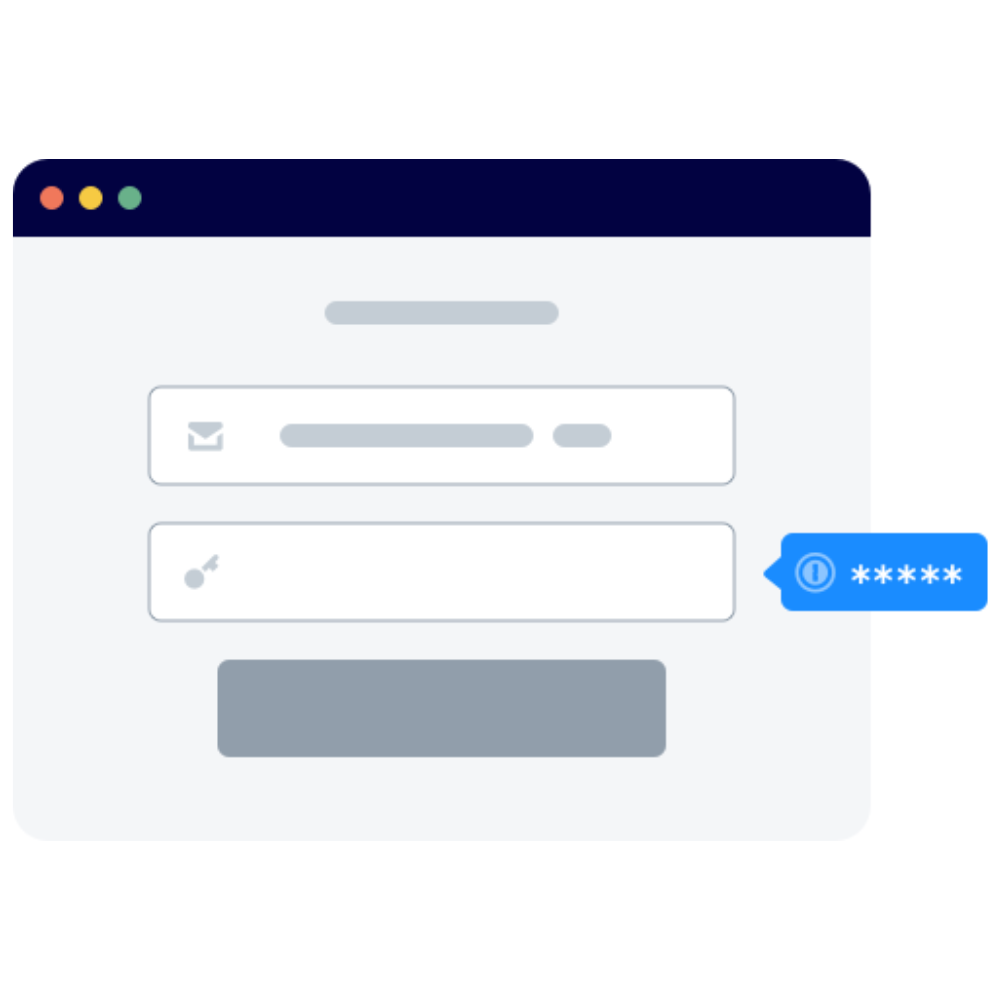
Key features include a built-in password generator for creating strong, unique passwords, secure vaults to store credentials, credit cards, and sensitive documents, and cross-device synchronization for seamless access on desktop, mobile, and browser extensions. The autofill functionality simplifies logins and form filling, while Watchtower monitors for weak passwords, breaches, and security issues. Advanced tools like secure sharing options allow you to share passwords safely with family or team members.
Access
1Password is available for all full time staff or employees of the University. To get started with 1Password review the Introduction and welcome article for important details and a step-by-step guide.
IT Knowledge Base – Introduction to 1Password and How to Use It for Work
Support and Training
1Password provides support articles on every aspect of using the product.
Resources: